Customizing your checklist
Make a checklist yours: add one-off items in place, build reusable gear lists for any ride, and save a list you've tweaked back for next time. Adding your own items is free; gear lists are part of Pro.
-
Add your own items
On any checklist, add items under "Your added items." Reorder or remove them anytime. They stay on that bike's checklist.
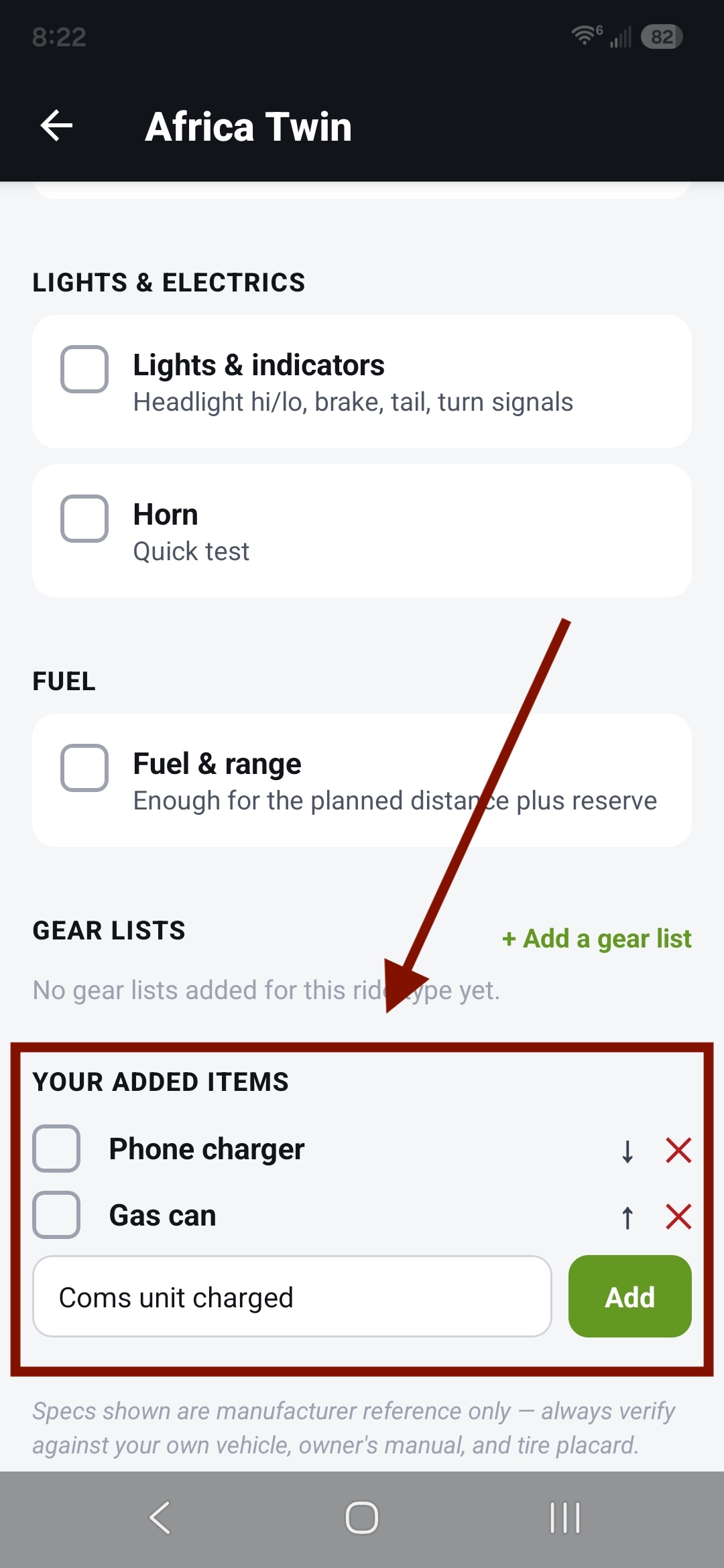
"Your added items" and its composer -
Build a reusable gear list
Some kit comes along on lots of rides — camping, track day, cold weather. Build a gear list once and reuse it. In the Garage, find "My collections" and tap "Gear lists" to open My gear lists — then tap "+ New gear list", name it, and add its items.
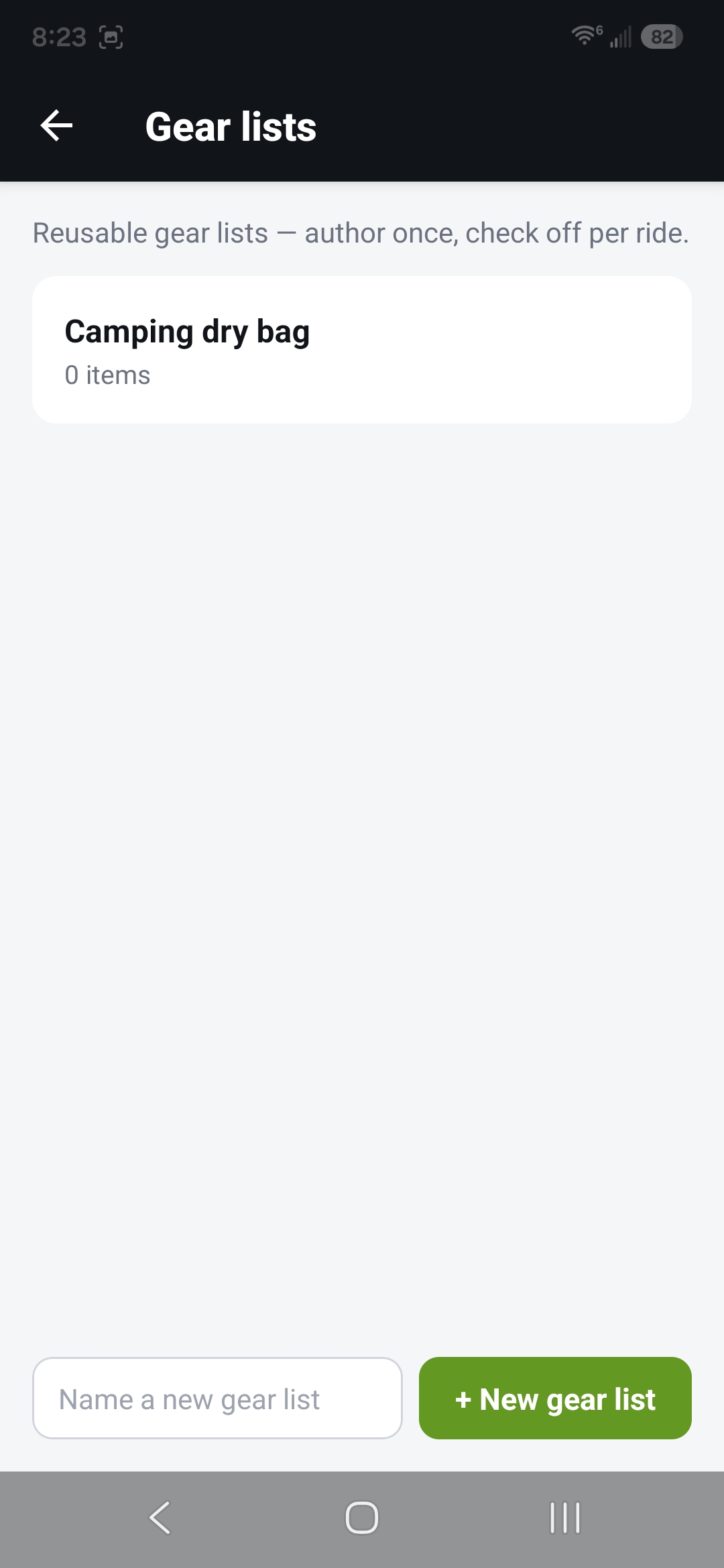
My gear lists, with "+ New gear list" 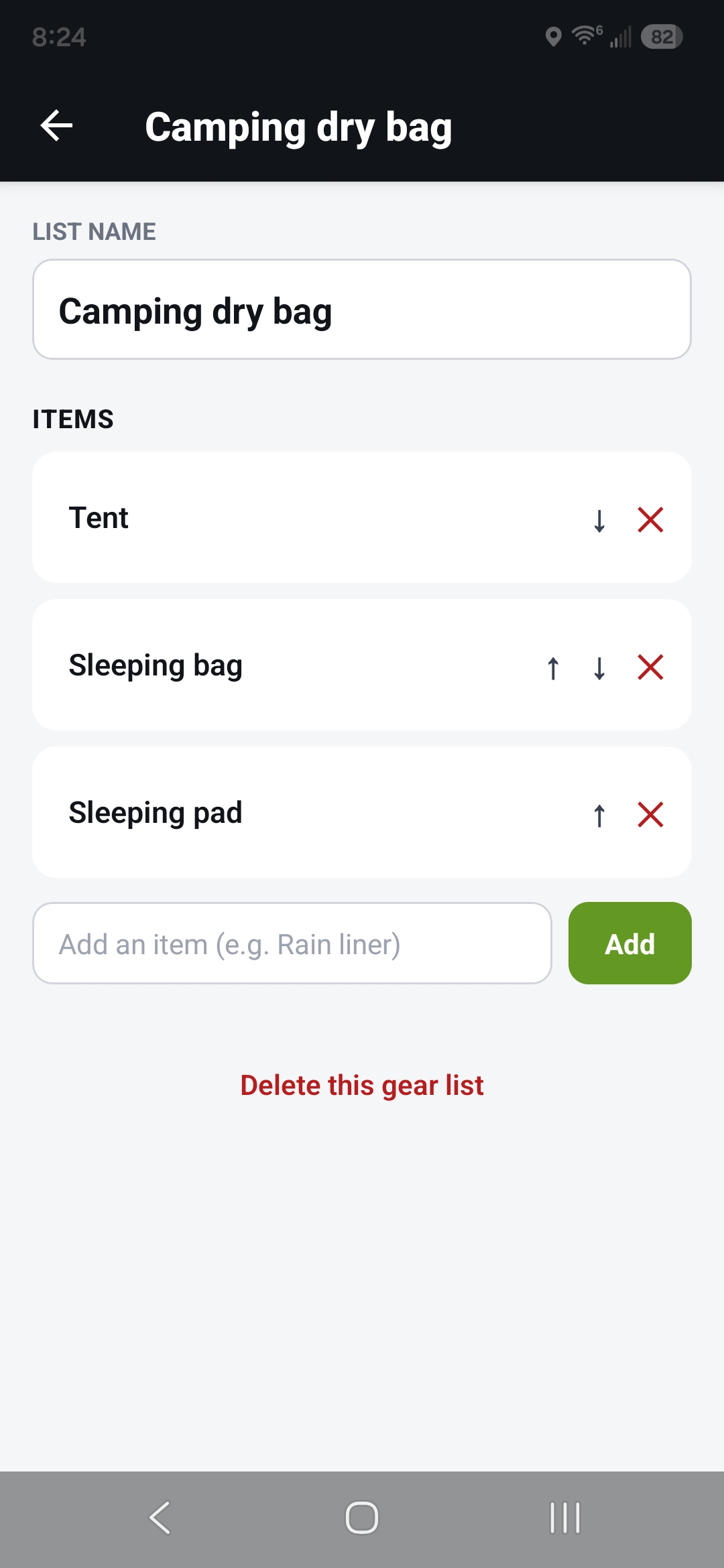
Editing a gear list -
Add it to a ride
On a trip's checklist, tap "+ Add a gear list" and pick one. An editable copy appears as its own entry under "Gear lists," ready to check off — and you can tweak that copy for this ride without changing the original. Gear lists live on a trip's checklist; a plain bike checklist doesn't have them.
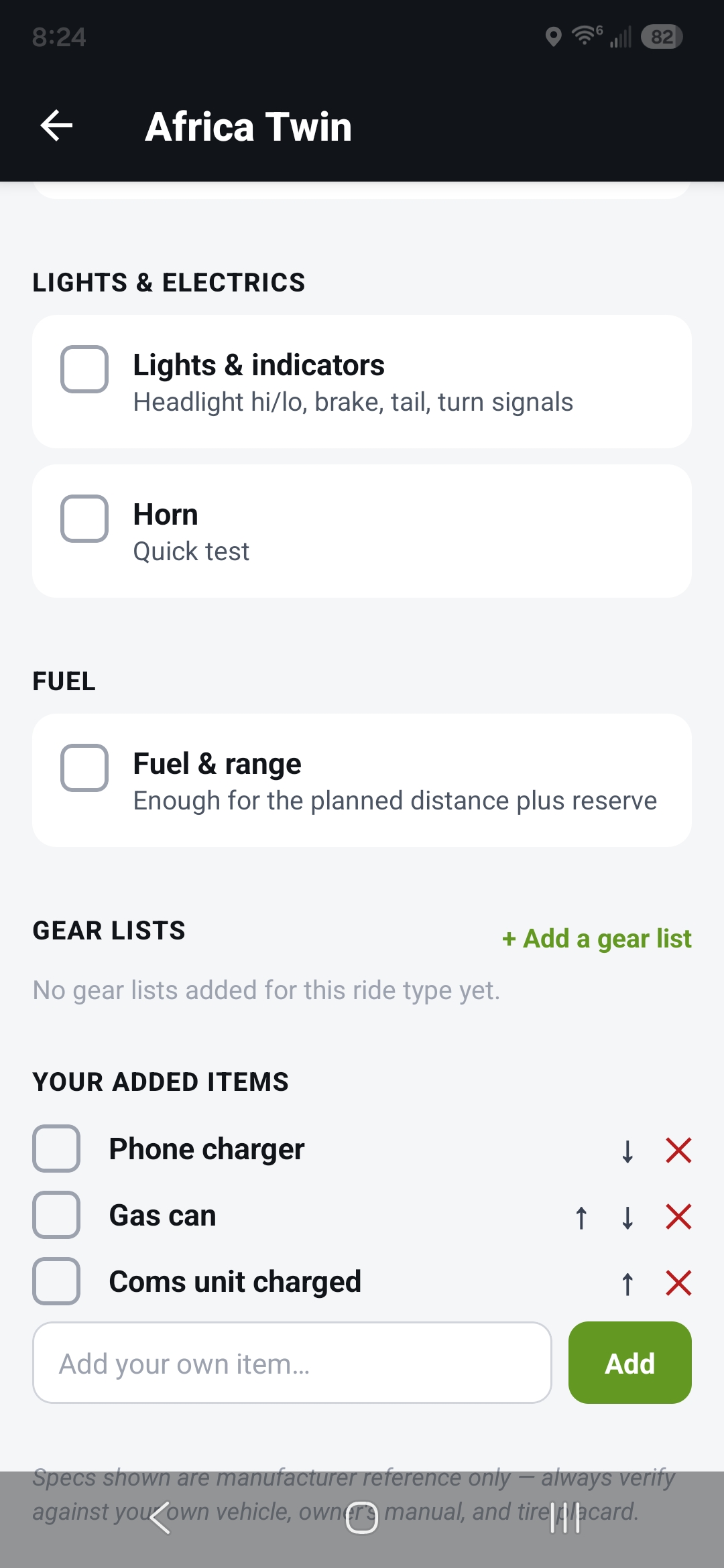
Adding a gear list with "+ Add a gear list" 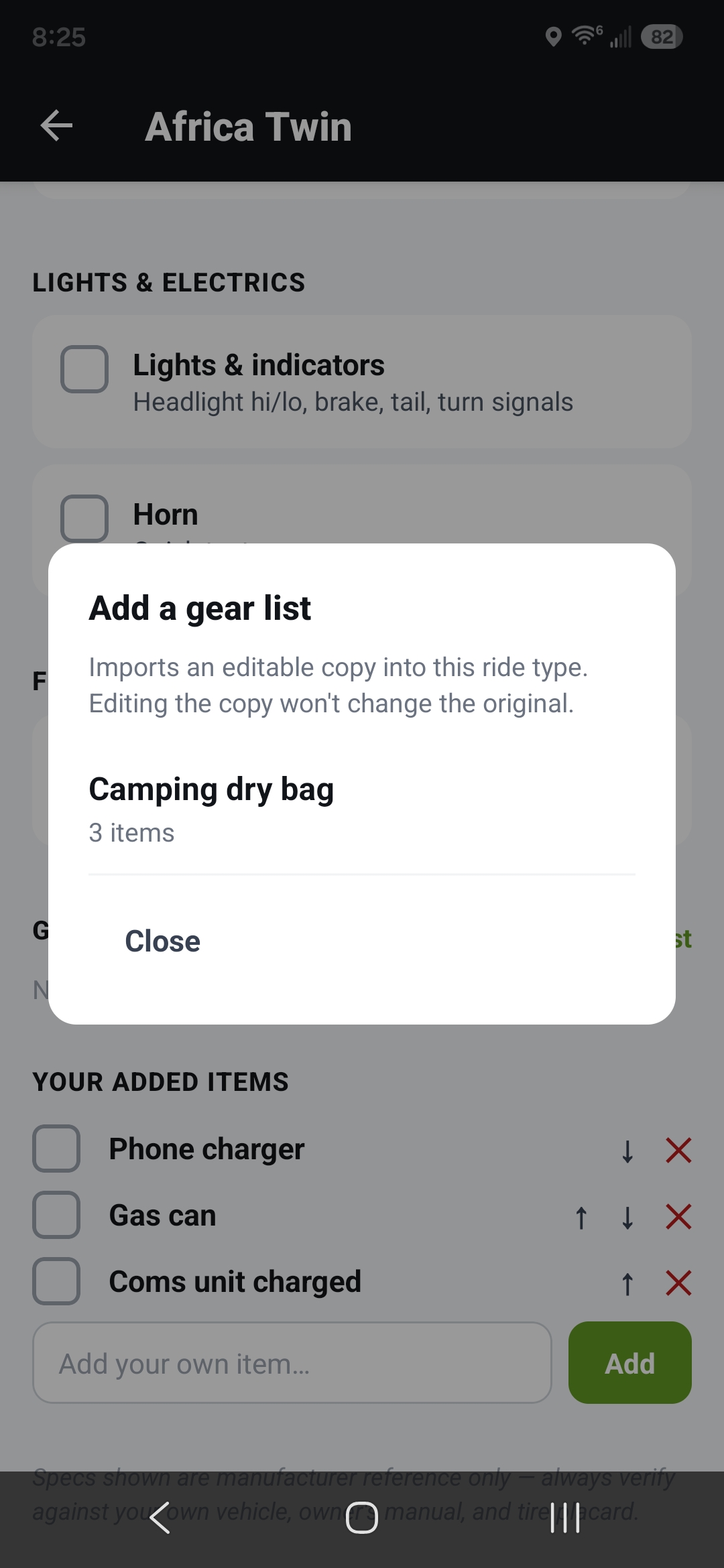
The gear list under "Gear lists," ready to check off -
Save a tweaked list back to the bank
Once you've customized a gear list on a trip's checklist, you can save it back as a new reusable list — tap "Save as new gear list" and name it. The list on your checklist takes the new name too, so the two match. Names have to be unique; if one's already taken, the app asks you to pick another.
Deleting a gear list from the bank leaves any copies already on your checklists in place — those stay put.
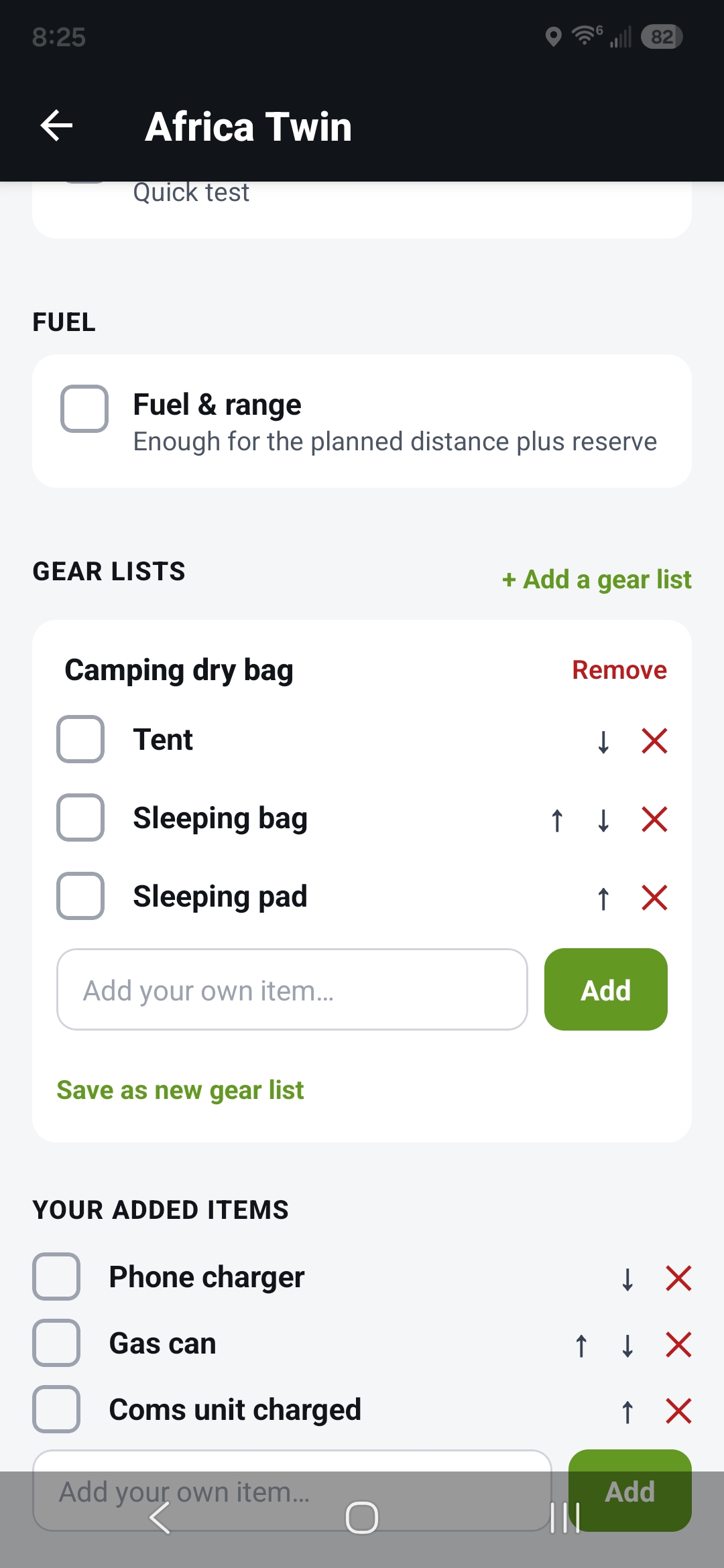
Add gear list 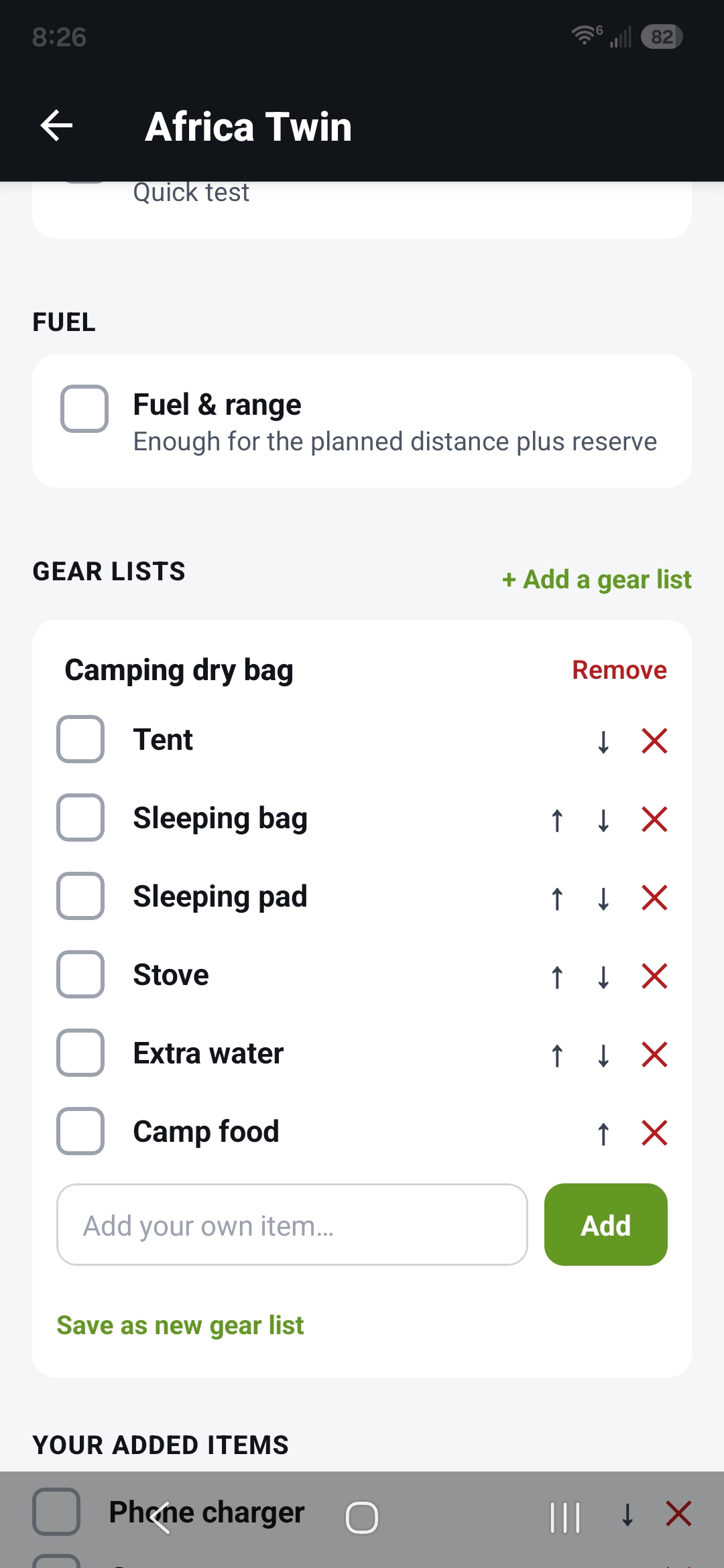
Customize the list 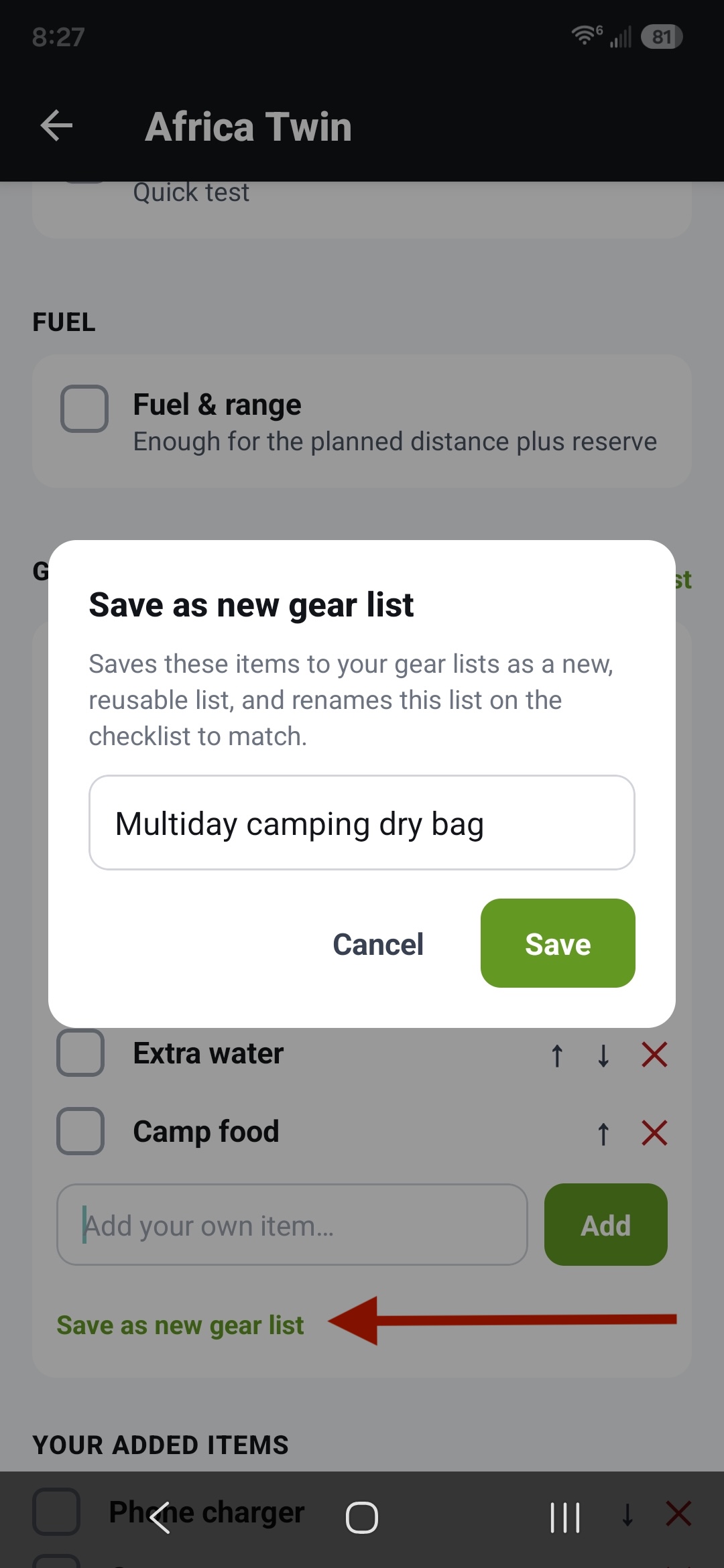
"Save as new gear list" 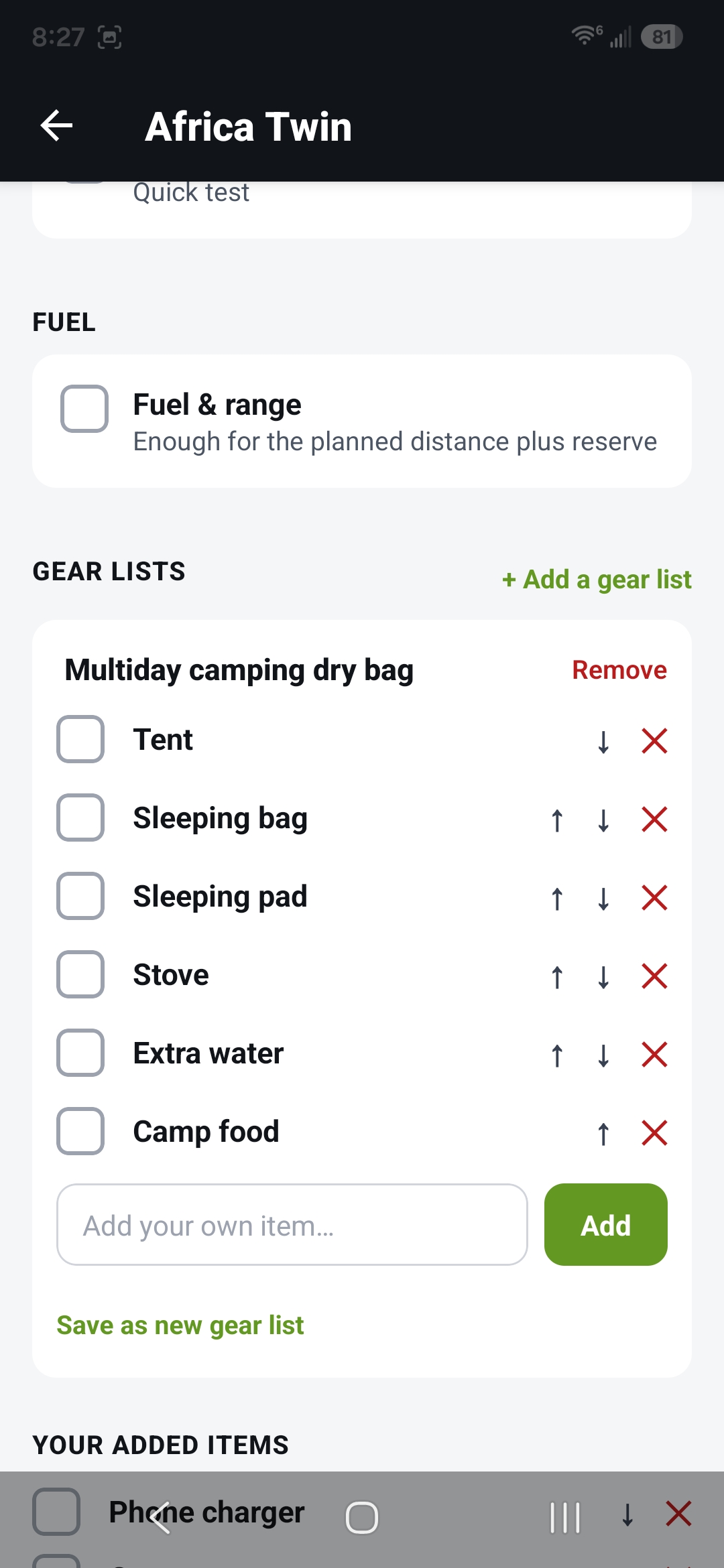
Updated to use new list 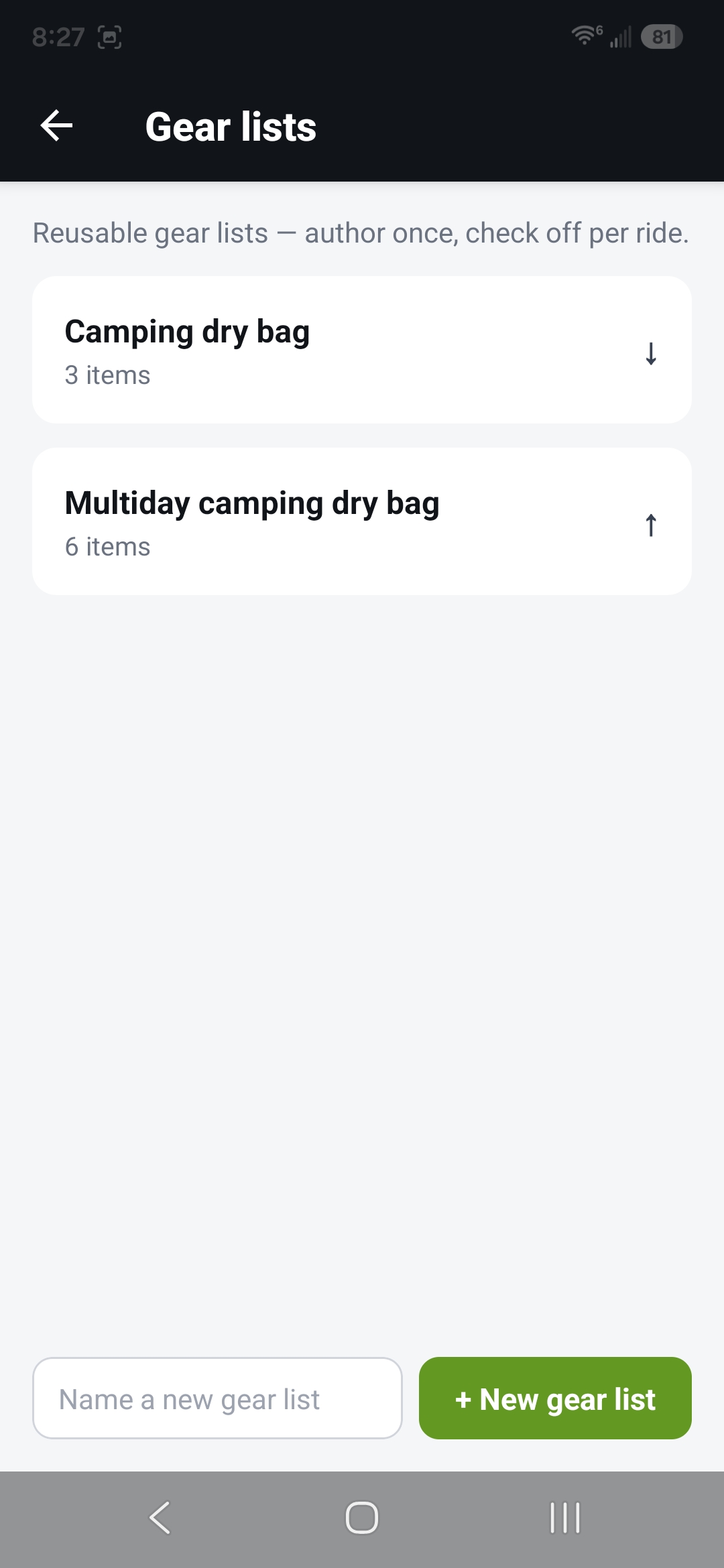
The new list is now in your gear list collection