Starting with the starter Kit
MotoChecklist comes with a Weekend camping Kit — a gear list and an evening routine, ready to go. Here's how to turn it into a trip and ride it.
-
Add a bike first
A trip needs a bike to build its checklist from. If your Garage is empty, tap "+ Add a bike" and work down make, model, and year. New to this? See Getting started.
-
Open your Kits
From the first screen, tap "Garage". Across the top is a row of buttons — "Trips", "Gear lists", "Routines", "Kits". Tap "Kits" to open My kits. The "Weekend camping" Kit is already there: a gear list of camp kit, plus a short routine for the evening.
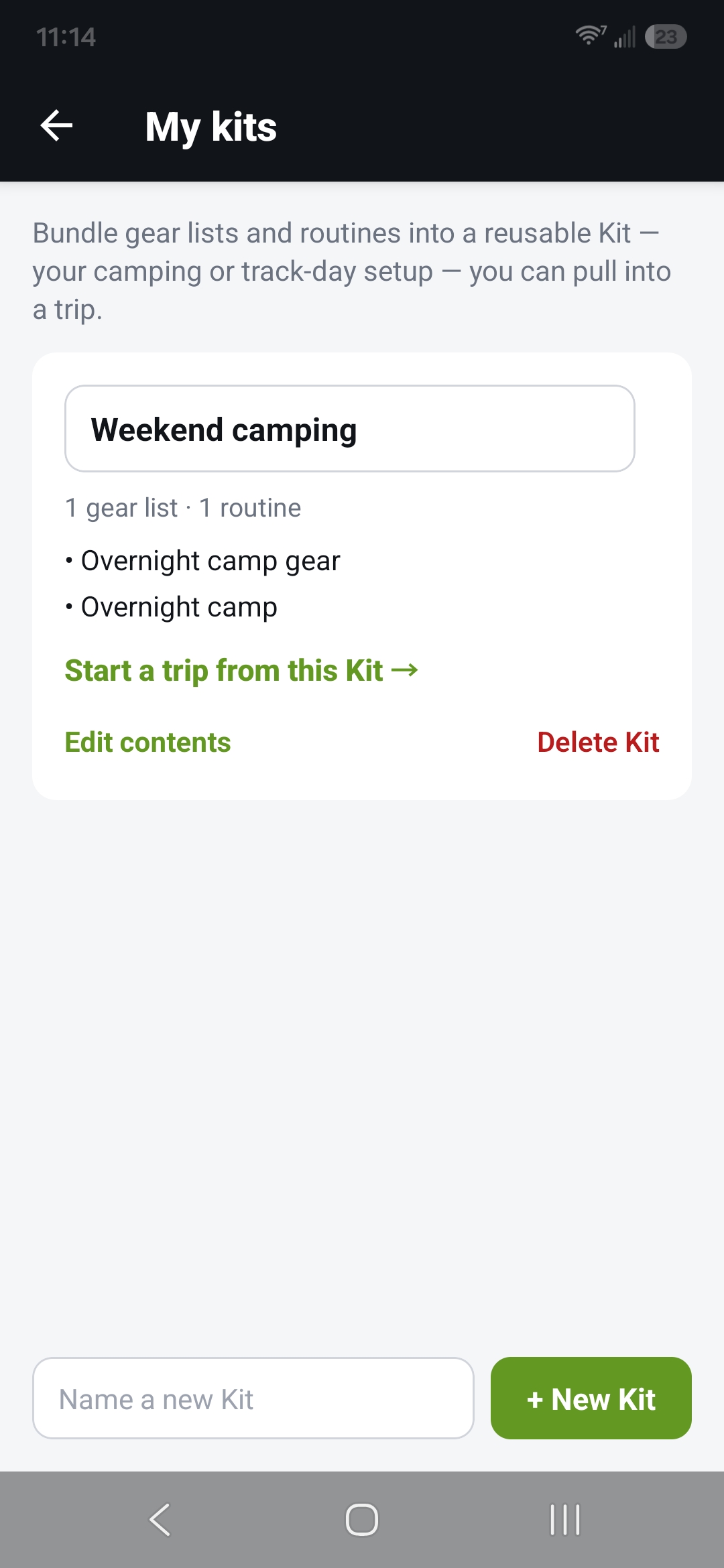
My kits — the "Weekend camping" Kit and what it holds -
Start a trip from it
Tap "Start a trip from this Kit →". MotoChecklist builds a trip named after the Kit, with a departure day and a first riding day, and the Kit's gear and routine already in place.
Without Pro you keep one starter-Kit trip at a time. Start a second and the app offers to delete the first — or you can delete it yourself beforehand.
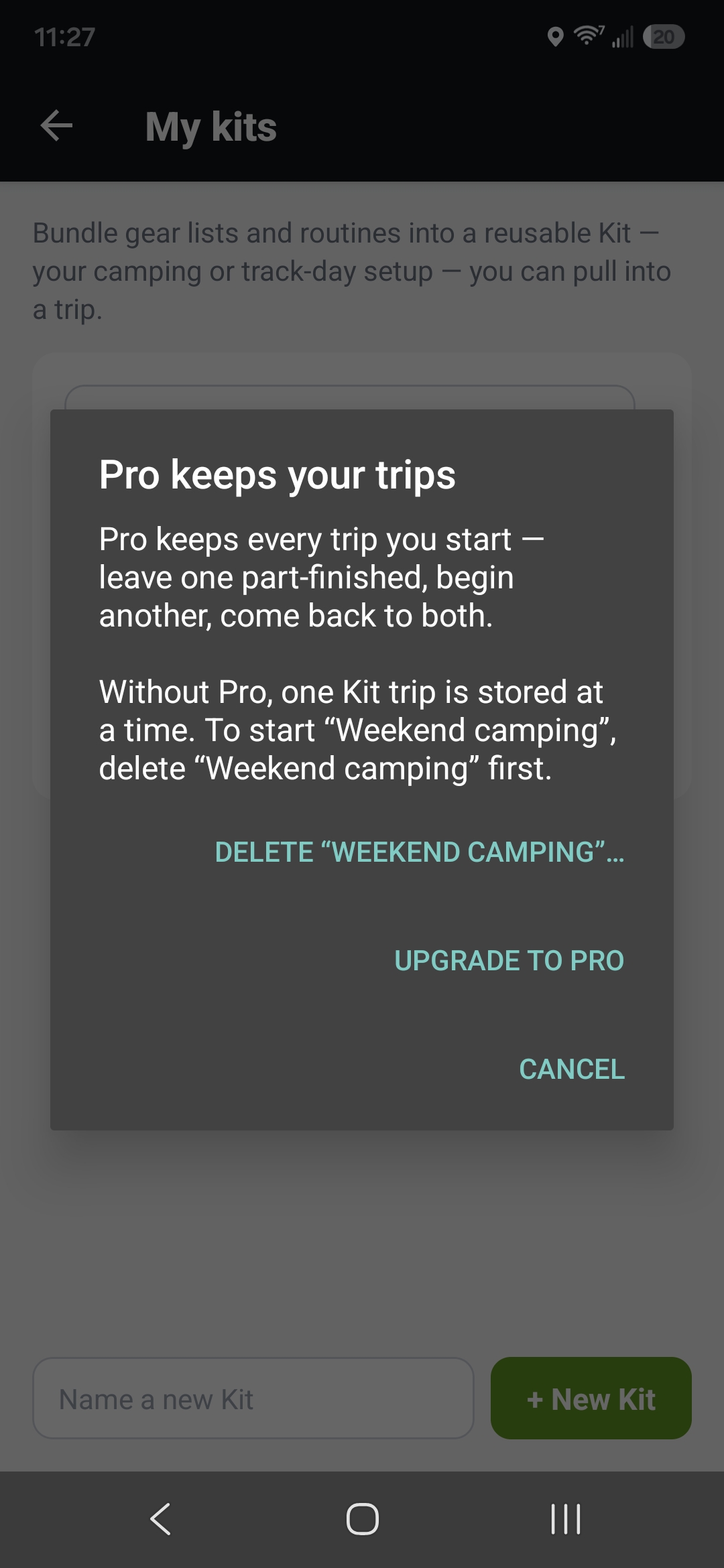
The prompt on a second Kit trip -
Set it up and save
Pick your bike, then set the terrain — road, mixed, or off-road. Rename the trip if you like, set a start date, and add riding or rest days with "+ Riding day" and "+ Rest day". Tap "Save trip" when it looks right.
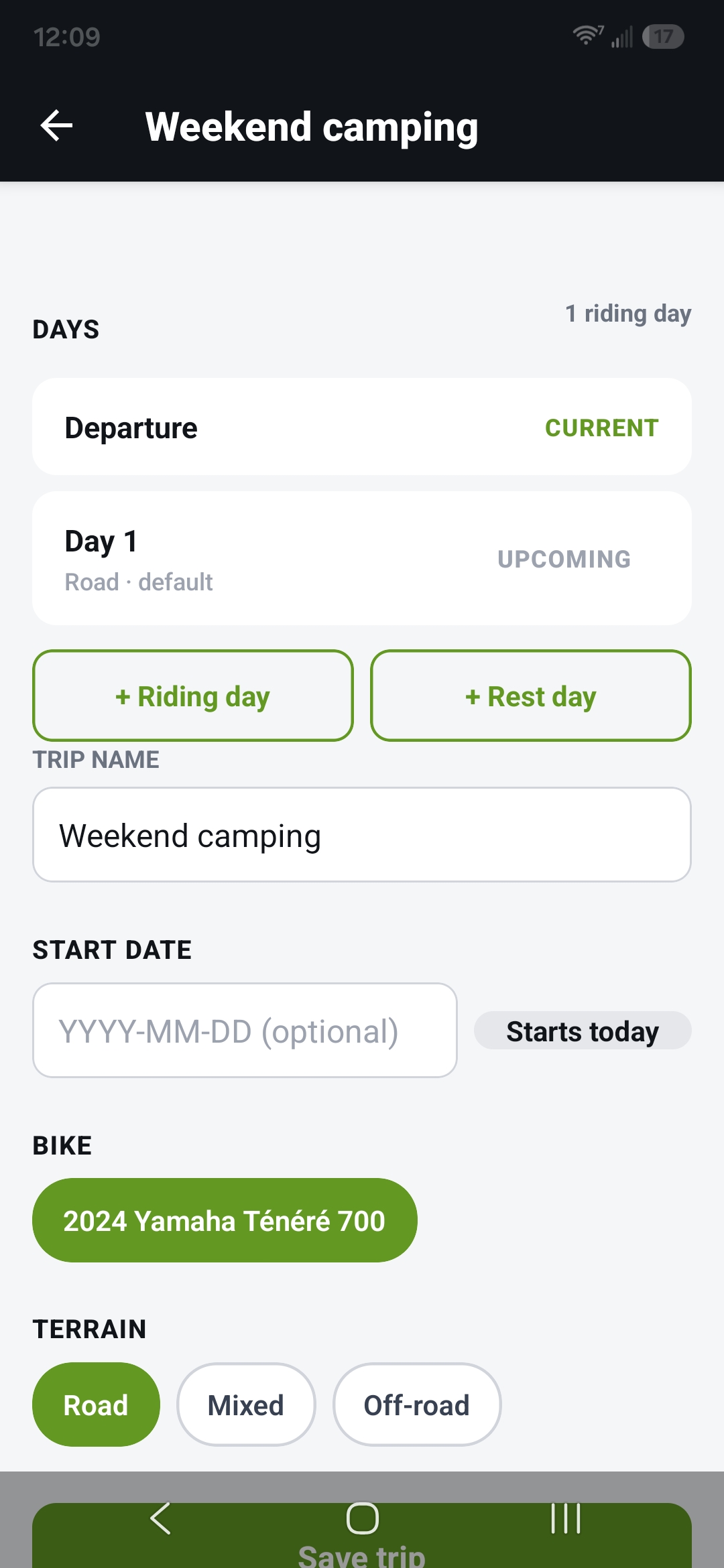
The new trip — days, name, bike, and terrain 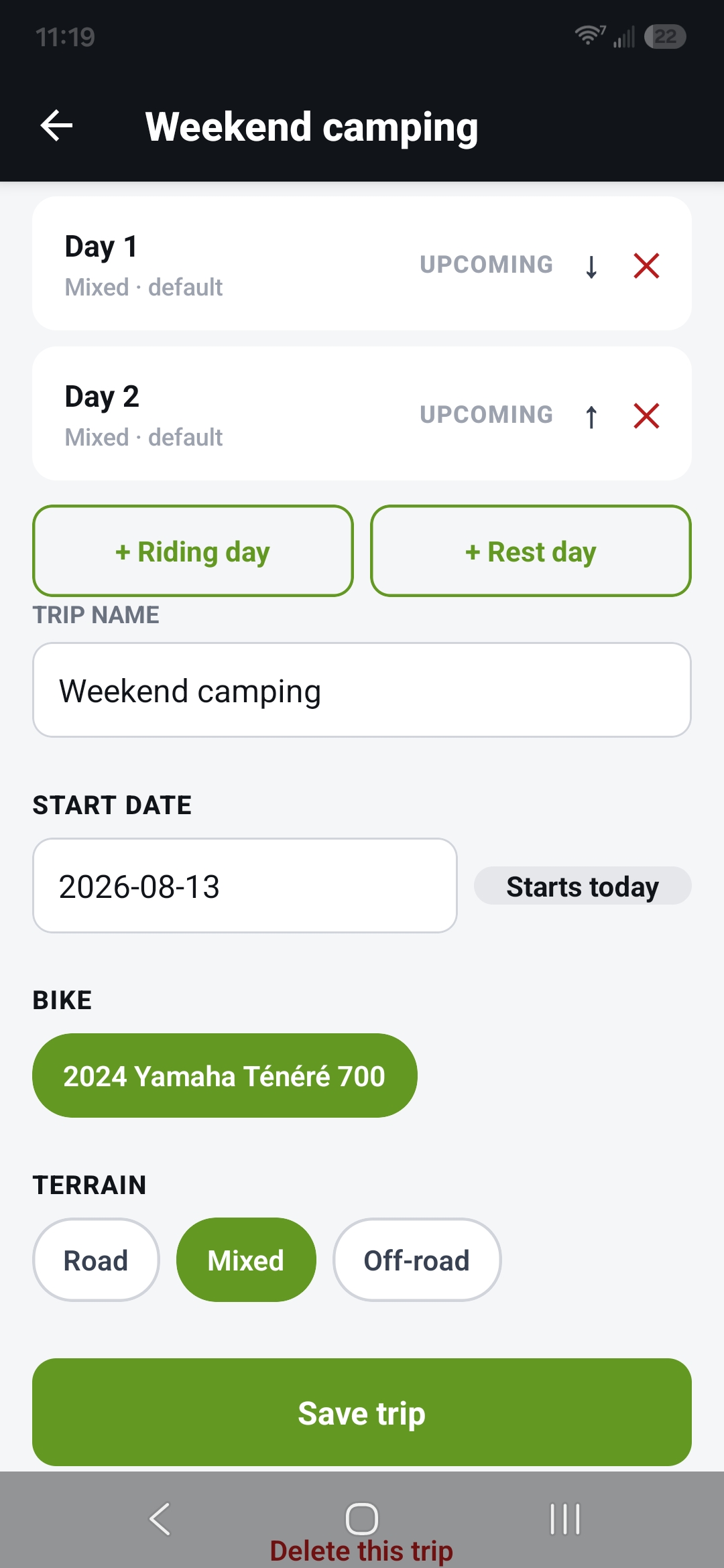
Days added, ready for "Save trip" -
Ride it
Your trip now shows in the Garage. Tap "Open today's check" for today's list — the bike's own checks, your camp gear, and the evening routine together. Work through it, then mark the day complete to move on. On the last day, tap "Finish trip". Building a longer tour? See Building a multi-day trip.
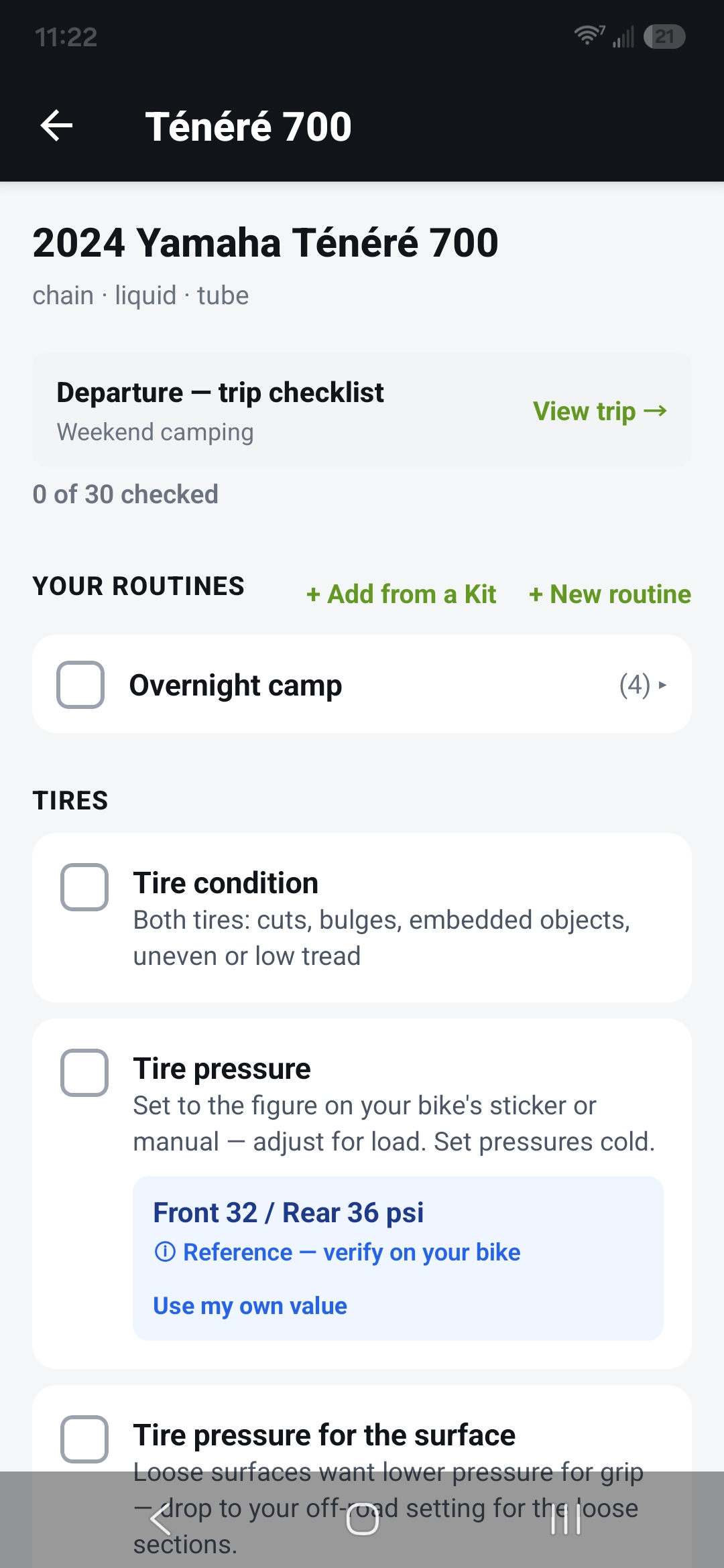
A trip day's checklist — the Kit's routine above the bike's own checks 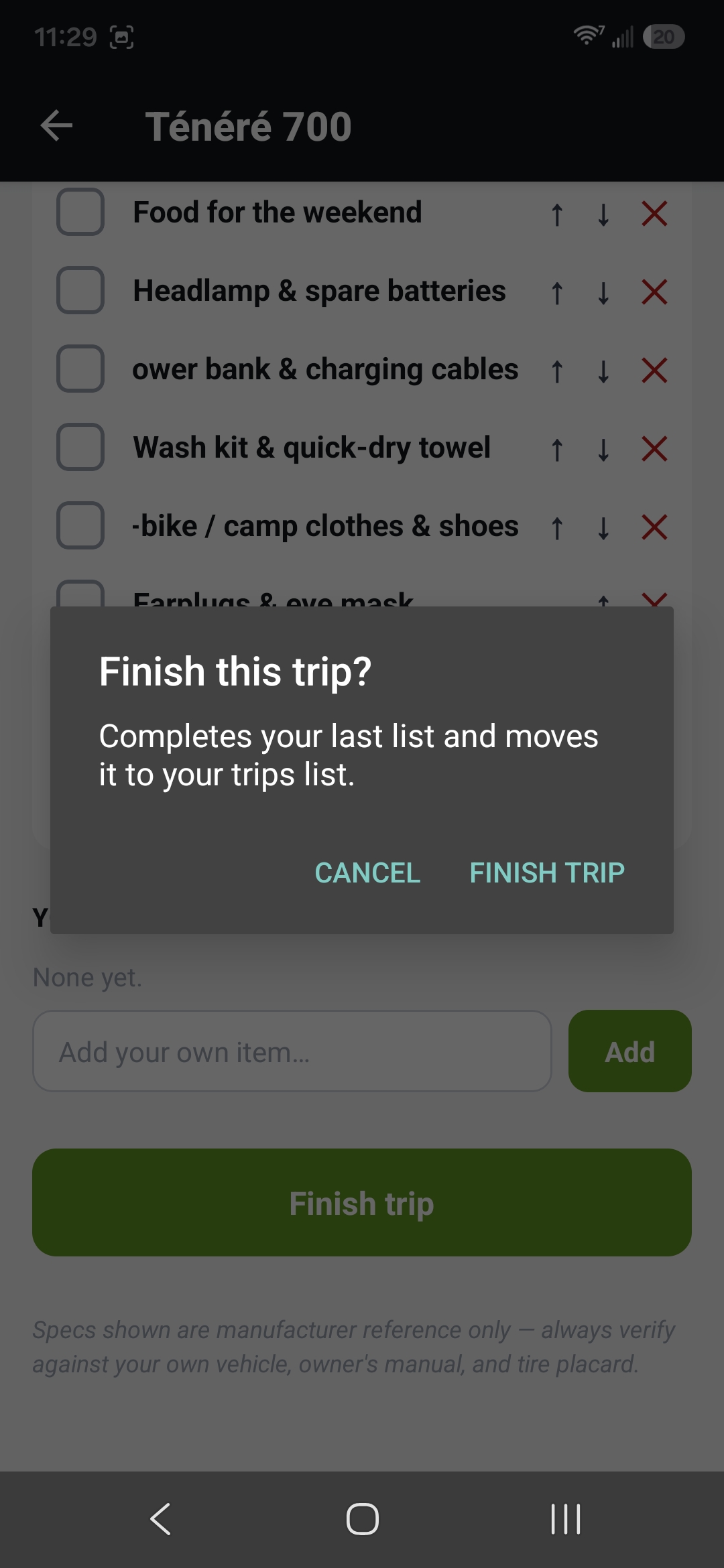
The "Finish this trip?" confirm